> For the complete documentation index, see [llms.txt](https://docs.productcares.com/llms.txt). Markdown versions of documentation pages are available by appending `.md` to page URLs; this page is available as [Markdown](https://docs.productcares.com/frontend-page/fill-product-with-serial-number.md).
# Fill product with serial number
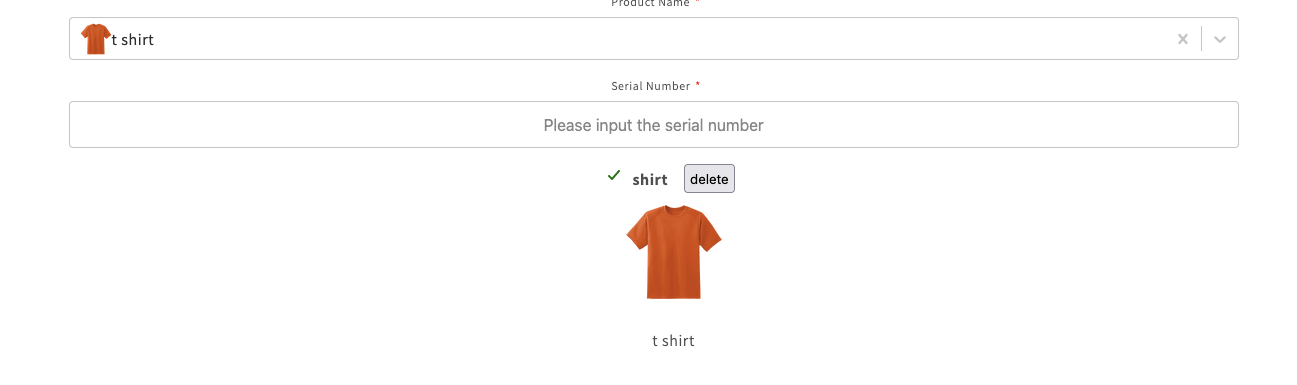
Its possible to enter a serial number on the frontend, then it will automatically prefill the product field with the product associated with that serial number
### Setup
To make it work, it will require a two steps
1. Upload/Add serial numbers to the App admin > Serial numbers, and for each serial number entered the associate **sku** of the product (the product have to exist on backend with that specific sku associated with the serial number)
2. Enabled the show products when validate serial numbers on the frontend form, it can be enable in the App admin > Forms > Select the form > Settings > General > Show product when validating a serial number
Once the above is setup, it can be test on the form in the frontend, go to the form and enter a serial number that have associated sku, then it will show the product information and prefill the product field